

Let people in
Become the Hub’s Owner, then invite your team.
A Hub with GitHub sign-in lets in only its Owner and the people the Owner invites, its Members (ADR 0019). Being a Member opens no Repo: each Member sees the Repos they reach on GitHub. With dev login, anyone who reaches the Hub signs in, and none of this applies.
What you need
Section titled “What you need”- A Hub with GitHub sign-in.
Become the Owner
Section titled “Become the Owner”Until it has an Owner, the Hub lets in only whoever brings its Setup link. kndl onboard prints it at the end:
The Hub has no Owner yet. Its Setup link, shown only now:
https://hub.example.com/setup#cho_…-
Open the link in your browser.
-
Press Continue with GitHub, and sign in as the account that should own the Hub.
You’re signed in as the Owner, and the link stops working. Keep it secret until then: whoever opens it first becomes the Owner.
To print a new link on the Hub’s machine, replacing the old one:
kndl hub setup-linkInvite someone
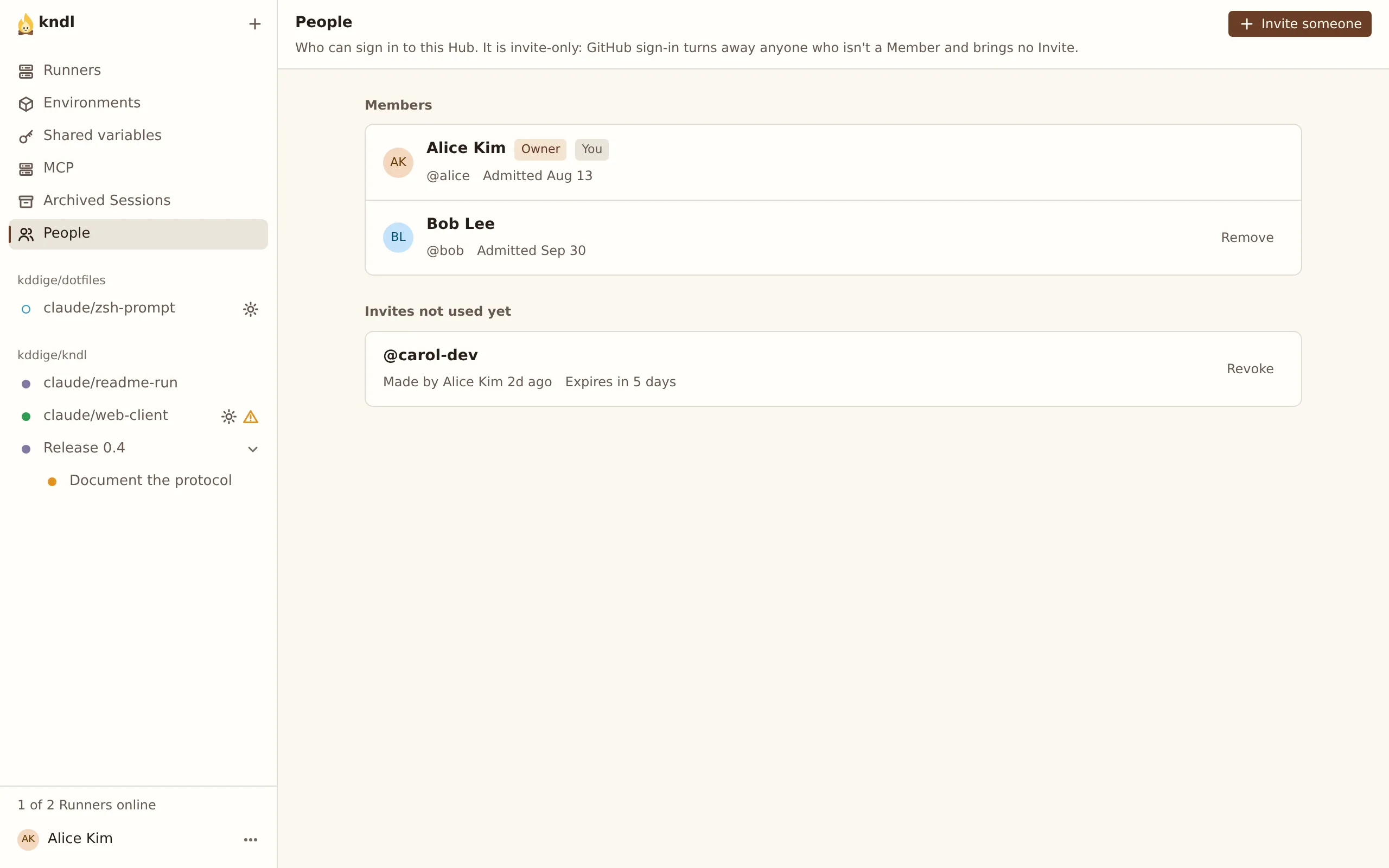
Section titled “Invite someone”The People page is the Owner’s alone.
-
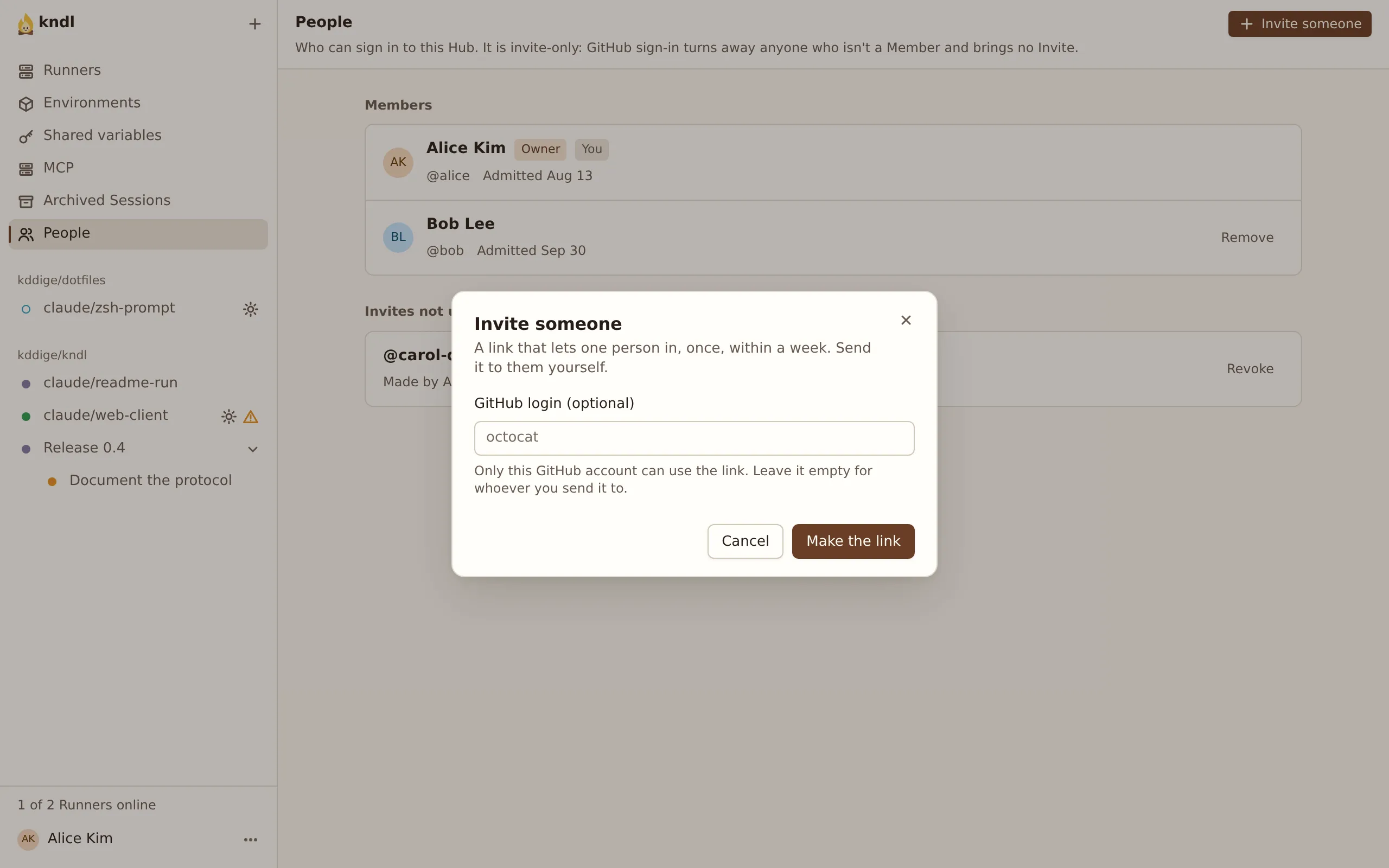
Open People and press Invite someone.
-
To limit the Invite to one GitHub account, type its login, such as
octocat. Leave it empty for anyone with the link. -
Press Make the link, then Copy link, and send it yourself. kndl sends no email.
The link admits one person, once, within 7 days. They open it, press Continue with GitHub, and they’re a Member. Give them a Repo to work in: install the App on theirs, or add them to yours.
Invites not used yet lists each open Invite. Revoke ends one at once.
Remove a Member
Section titled “Remove a Member”Under Members, press Remove beside someone. At once:
- They’re signed out of the web UI everywhere, and their CLI tokens are revoked.
- Their awake Sessions go to sleep, each saying why.
- They can’t sign in again without a new Invite.
A port Forward they have open stays open until it closes, and a Pairing code they made works until it expires.
Their Sessions stay, readable by everyone with access to their Repos, but can’t wake: the Hub won’t hand their Claude credential to a Runner. The Owner can’t be removed. Apart from the People page, Members can do what the Owner can, such as adding and removing Runners.
Make the GitHub App public
Section titled “Make the GitHub App public”A private App installs only on the account that owns it. To serve Repos across several accounts, open the App’s settings on GitHub, then Advanced, and press Make public. Anyone can then install the App, but only Members get in, and each sees only the Repos they reach.
Next steps
Section titled “Next steps”kndl is an independent project. It is not affiliated with or endorsed by Anthropic. Claude and Claude Code are trademarks of Anthropic, PBC. About kndl